White Label Vacation Rental Platform: How to Launch
Introduction: What You’ll Launch with RightClick Rentals
A white label vacation rental platform lets you launch a branded rental marketplace without building the tech from scratch. If you want to rent out houses, cars, yachts, or mixed inventory under your own brand, RightClick Rentals gives you a faster path.
This setup fits you if you’re a founder testing a niche, an agency owner building client marketplaces, or an entrepreneur comparing white label rental software options. Unlike generic marketplace tools, a purpose-built vacation rental marketplace platform already includes booking logic, availability controls, payments, and vendor workflows you would otherwise piece together yourself.
Here’s the launch flow you’ll follow:
- Create your account and choose your marketplace model.
- Brand your site with your domain, logo, and colors.
- Add categories, listings, and vendor structure.
- Set booking rules, calendars, and reservations.
- Connect payments, fees, and payouts.
- Test the experience, then launch and promote.
You can move fast. Many marketplace owners can configure the core setup in days, not months, then refine details as they grow.
You should expect speed, strong customization, and rental-specific tools that fit real booking businesses.
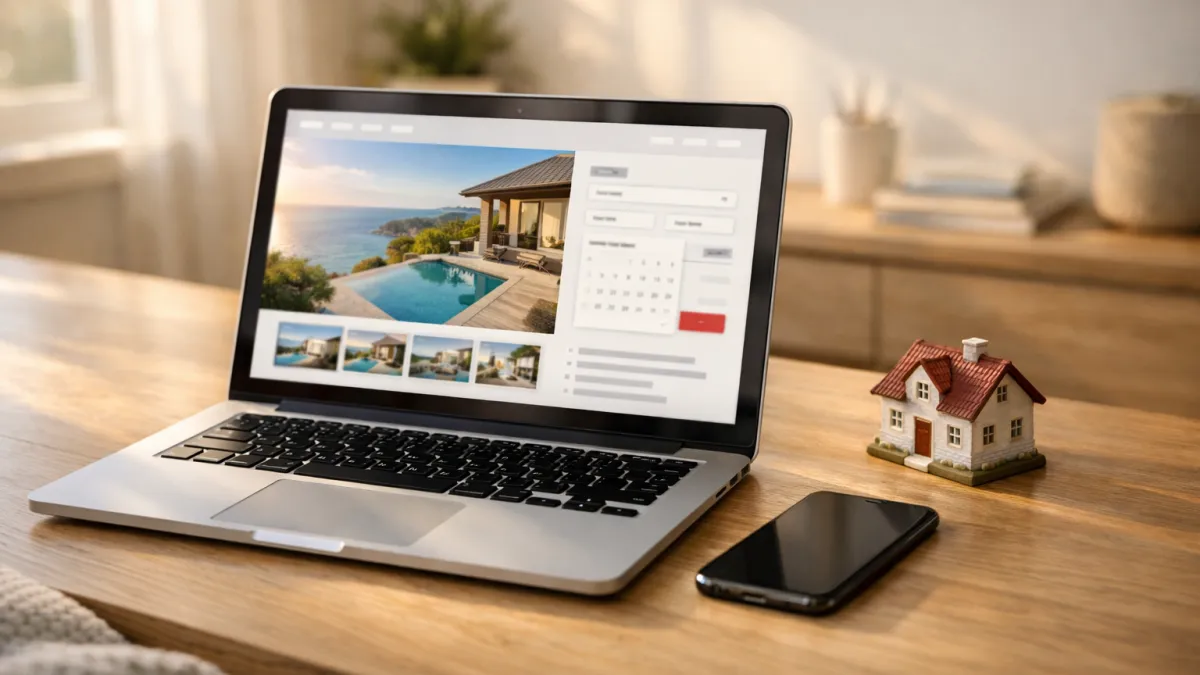
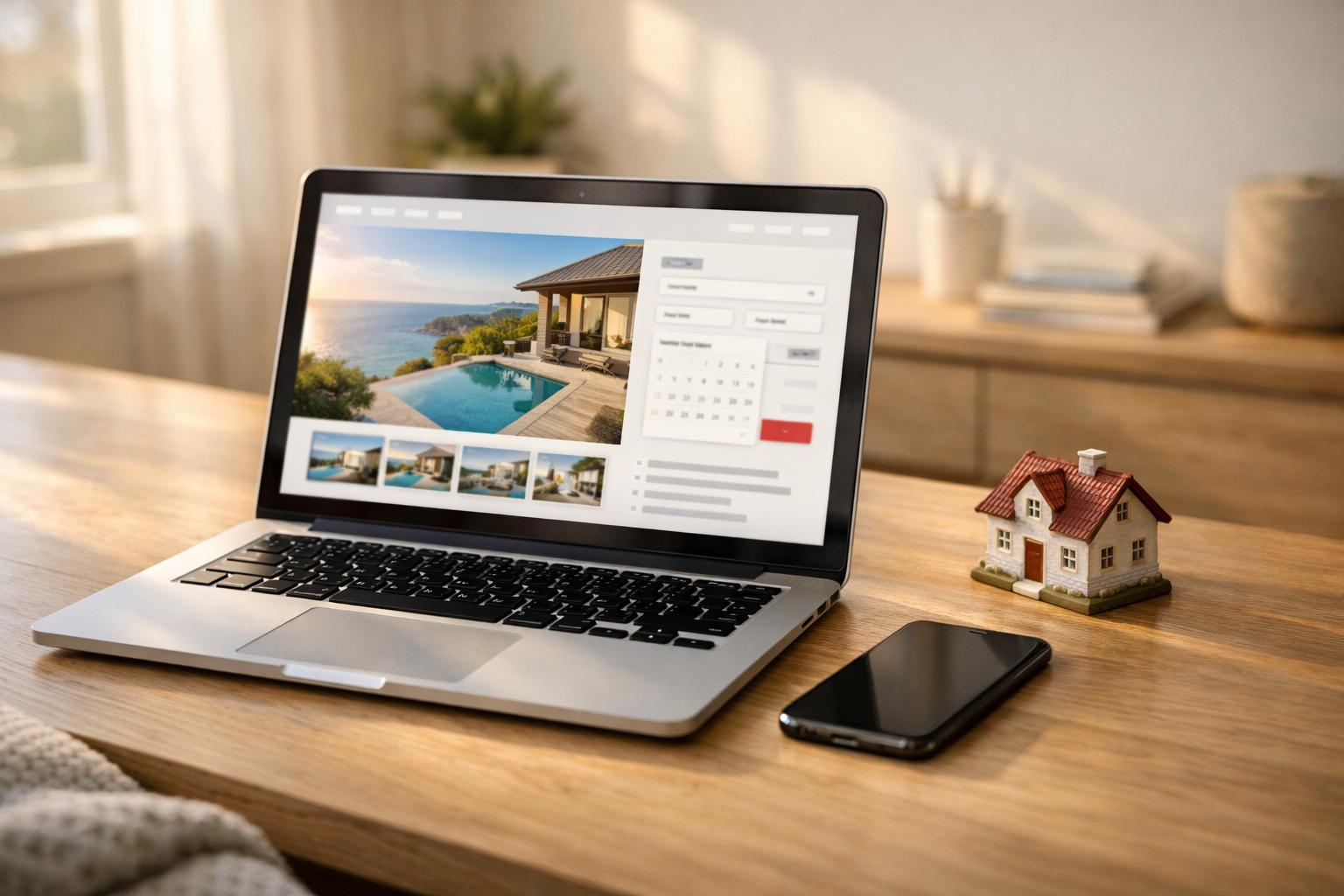 Launch a branded vacation rental marketplace without building the tech from scratch.
What You’ll Need Before You Start
Your white label vacation rental platform setup goes faster when you gather the right assets first. Before you touch settings, prepare your brand name, logo, domain, and a simple visual identity for custom branding.
You also need your business decisions locked in. Choose your rental category, define your target market, outline your vendor onboarding plan, and confirm your payment processing account is ready.
Content matters just as much. Prepare property listings, vehicle listings, yacht listings, high-quality images, pricing rules, taxes, fees, cancellation terms, and rental policies before launch.
Technical access can slow you down if you miss it. Make sure you have:
- Admin access to your RightClick Rentals account
- Your domain registrar login
- Business email accounts for support and notifications
- A clear decision on marketplace-wide branding versus vendor-level branding
Pro tip: Aim for at least 10 complete listings with photos, descriptions, and pricing before launch. Your marketplace will look credible from day one.
 Gather brand and operational assets before you configure your white-label vacation rental platform.
Step 1: Create Your RightClick Rentals Account and Choose Your Marketplace Model
Sign up for RightClick Rentals with your business email, brand name, and primary market. This first setup choice shapes your rental marketplace platform, so keep it simple and tied to your launch goal.
Next, choose the model that matches what you plan to rent. If you are learning how to launch a white label vacation rental platform, start with one clear inventory type first.
- Choose houses if your audience wants short-term stays and location-based search.
- Choose cars if bookings depend on dates, pickup rules, and add-on fees.
- Choose yachts if you need seasonal pricing, trip length controls, and higher-ticket reservations.
- Choose mixed inventory only if your audience already expects one online rental marketplace for multiple rental types.
You should now see a cleaner setup path, with categories and booking rules that fit your inventory.
Decide whether you want one brand managing all listings or outside vendors adding their own inventory. A single-brand marketplace works best when you control supply, pricing, and service quality.
A multi-vendor rental platform lets independent owners or fleet operators create listings and manage availability inside your system. Choose this only if you already have vendor demand or a clear onboarding plan.
Pro tip: Launch with 1 inventory type, 1 region, and 1 vendor model. A narrow scope cuts setup time, reduces mistakes, and gives you cleaner data after launch.
 Start by creating your account and choosing the marketplace model that fits your launch plan.
Step 2: Set Up Your Brand, Domain, and Custom Branding
Upload your logo, brand colors, and font choices inside the SaaS platform first. This creates a branded rental marketplace that feels consistent from the first click, which helps visitors trust your business faster.
- Add a logo in PNG or SVG format for sharp display.
- Set primary and accent colors that match your website and social profiles.
- Choose one heading font and one body font for clean readability.
You should now see your marketplace look like your business, not a generic template.
Connect your custom domain next. A branded URL like rentals.yourbrand.com or yourbrandrentals.com looks more credible than a default subdomain, and that trust can improve clicks and bookings.
- Point your DNS records to the platform.
- Verify SSL is active so your site loads with https.
- Test the domain on desktop and mobile.
Pro tip: Keep your domain short, easy to spell, and close to your brand name.
You should now see your white label booking platform for rentals load on your own URL.
Customize your homepage, navigation labels, and core messaging. Write headlines that match your audience and rental category, whether you serve beach homes, party equipment, or camper vans.
Use clear labels like Browse Rentals, List Your Items, and How It Works. Strong custom branding also includes tone, so keep your copy friendly, direct, and specific to your ideal renter.
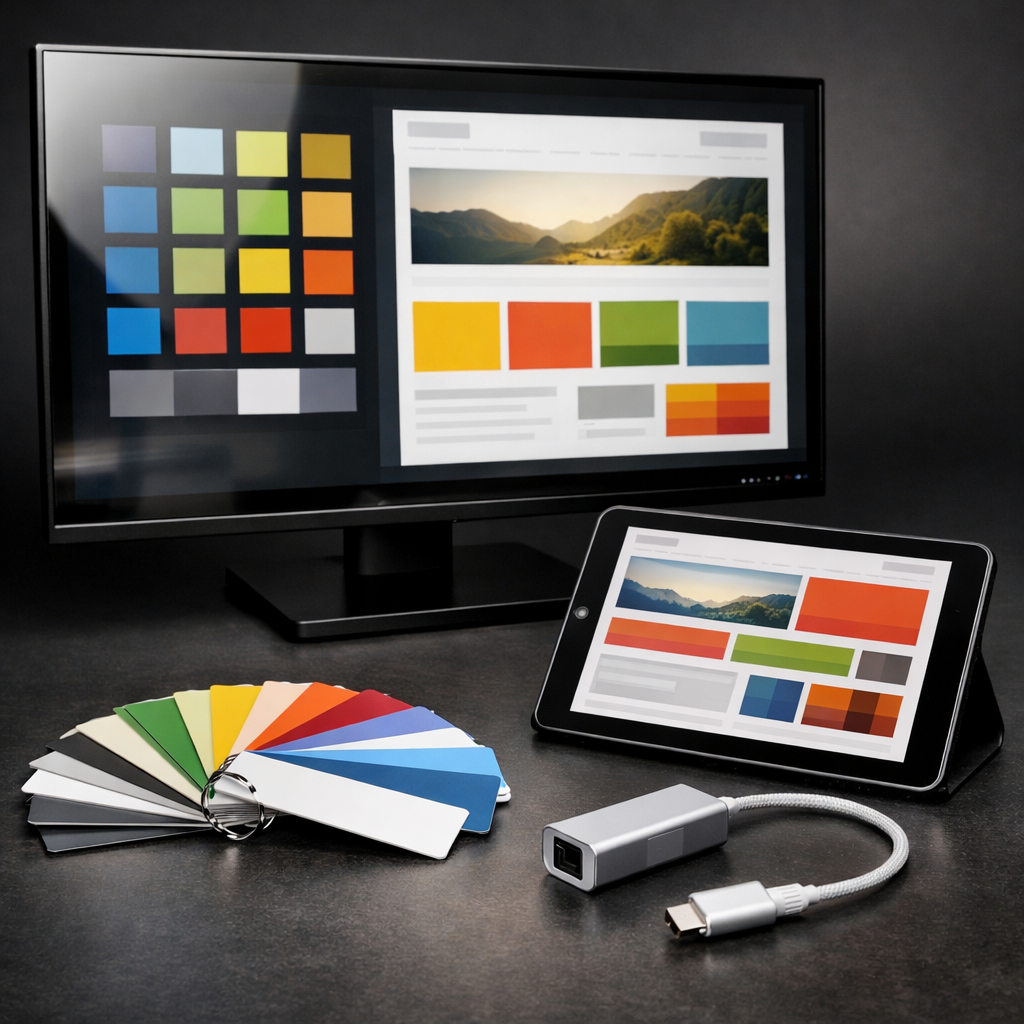 Configure your brand colors and domain settings to create a cohesive, branded rental marketplace.
Step 3: Configure Your Rental Categories, Listings, and Vendor Structure
Create category groups that match how people search. In a vacation rental marketplace, start with categories like beach homes, cabins, condos, or villas. For cars, use economy, SUV, luxury, or vans. For yachts, sort by length, capacity, or charter type.
This matters because clear categories reduce friction and improve filtering. You should now see a clean top-level structure that makes browsing feel obvious.
- Group listings by rental type first.
- Add subcategories by size, location, or use case.
- Limit your first setup to 5-8 main categories.
Pro tip: If a category has fewer than 10 listings, keep it as a filter instead of a main menu item.
Build your property listings and inventory pages with consistent fields. Add title, location, pricing, minimum stay or rental period, capacity, amenities, and availability rules in the same order every time.
This helps your marketplace software generate better search filters and cleaner listing cards. You should now see listings that feel uniform, easy to compare, and ready for search.
- Upload at least 8-12 photos per listing.
- Write titles under 60 characters.
- Use amenity checkboxes instead of free text.
Pro tip: Put your highest-value details first, such as waterfront access, unlimited mileage, or crew included.
Set up your vendor structure before you import suppliers. If you want to launch a multi-vendor rental platform, create approval rules for new vendors, listing edits, pricing changes, and payout details.
A vendor dashboard is the control center vendors use to manage inventory, calendars, bookings, and messages. You should now see each supplier assigned to their own listings with clear permissions.
Pro tip: Require media, tax details, and cancellation policies before vendor approval to avoid messy listings later.
 Organize rental categories and listings so shoppers can find the right stays faster.
Step 4: Set Booking Rules, Availability, and Reservation Management
Choose the right booking flow inside your booking engine first. Most rental platform software lets you offer instant booking, request-to-book, or approval-based reservations. This setting shapes speed, control, and customer trust.
- Use instant booking for standardized rentals with fixed pricing and clear rules.
- Use request-to-book when vendors need to review timing, guest details, or add-ons.
- Use approval-based booking for yachts, fleets, or high-value rentals with stricter screening.
You should now see each listing follow the correct reservation path.
Pro tip: Match the booking type to risk level. Faster approval works best for simple inventory, while manual review protects premium assets.
Set availability calendars, rental duration rules, and blackout dates next. Good vacation rental booking software should let vendors block dates, require a 2-night minimum, set same-day cutoffs, or limit check-ins to certain weekdays.
This matters because unclear availability creates double bookings and support headaches. You should now see calendars reflect real inventory and booking limits.
Build a simple reservation management workflow for each vendor type. Hosts may need guest messaging and cleaning buffers, fleet owners may need pickup windows and damage deposits, and yacht operators often need captain confirmation and weather checks.
- Assign booking alerts by email or SMS.
- Add status labels like pending, confirmed, canceled, and completed.
- Show booking rules on listing pages and checkout.
Pro tip: When customers and vendors see the same rules upfront, approval time drops and disputes fall fast.
 Set booking rules and availability so reservations run smoothly from start to finish.
Step 5: Connect Payment Processing, Fees, and Payouts
Connect your payment processing settings before you open checkout. Your online rental marketplace needs a working gateway for customer charges and a payout method for vendors. You should now see successful connections for cards, wallets, and bank transfers.
- Link your payment provider inside your white label rental software admin.
- Verify business details, bank accounts, and identity documents.
- Enable customer checkout methods your audience expects.
This matters because failed payments kill trust fast. A verified setup also reduces fraud holds, payout delays, and chargeback risk.
Set your revenue rules next so every booking pays the right parties. In your rental marketplace platform, define vendor commissions, platform fees, and any fixed service charges. You should now see a sample booking total that clearly breaks down earnings.
- Choose a commission rate, such as 10% to 20% per booking.
- Add a customer service fee, often 3% to 8%.
- Decide whether vendors or customers absorb processing fees.
Pro tip: Keep fee math simple. Clear pricing reduces abandoned carts and support tickets.
Configure refunds, deposits, taxes, and payout timing before launch. Set deposit amounts like 20% to 50%, choose automatic tax rules, and define payout release windows, such as 24 to 72 hours after booking start. You should now see policies that protect both sides.
Test at least 3 transactions, including a refund and failed payment, before going live.
Step 6: Build the Customer Experience and Vendor Dashboard
Design your customer path before launch. In a vacation rental marketplace, the fastest wins usually come from cleaner search, fewer clicks, and a clearer checkout inside your booking engine.
- Set search filters for location, dates, price, capacity, and rental type.
- Add map views so shoppers can compare options by area.
- Build category pages for popular use cases, such as cabins, boats, or party rentals.
These tools matter because better discovery reduces drop-off. You should now see customers reach listing pages faster, with fewer abandoned sessions on mobile.
Pro tip: Keep your top 4-6 filters visible on phones. Hide the rest behind a “More filters” button to protect speed and readability.
Streamline the path from listing to payment next. Your marketplace software should show clear photos, pricing, fees, availability, and checkout steps without forcing extra account actions.
- Place the “Book Now” button above the fold.
- Show taxes, deposits, and delivery fees early.
- Limit checkout to 2-3 short screens.
This builds confidence and improves conversion. You should now see a smoother flow from search to reservation.
Equip each supplier with a strong vendor dashboard. Vendors should manage listings, blackout dates, pricing, reservations, and messages in one place.
Add reviews, cancellation policies, support links, and verification badges. These trust signals help buyers feel safe and help vendors respond faster.
Step 7: Test, Launch, and Promote Your Branded Rental Marketplace
Test every customer path before launch. In a step by step rental marketplace launch, you need proof that listings, bookings, payments, emails, and mobile pages work without friction. You should now see a full booking flow complete on desktop and phone.
- Open 3 to 5 test listings with real photos, pricing, taxes, and availability.
- Place test bookings for same-day, future-date, and multi-day reservations.
- Confirm payment capture, refunds, confirmation emails, and vendor alerts.
- Check mobile responsiveness on iPhone, Android, and tablet screens.
Pro tip: Use one tester as a guest and one as a vendor. That reveals broken steps faster than testing alone.
Run a soft launch with a small group first. If you are learning how to create a vacation rental marketplace, start with 5 to 10 vendors or 25 early customers. You should now see real behavior, honest feedback, and smaller issues before public traffic arrives.
Promote your branded rental marketplace on launch day with focused channels. Send an email to your list, post customer testimonials, ask partners to share your launch, and run a small paid campaign with a $25 to $100 daily budget. This works especially well when using the best white label rental software for startups.
Monitor early metrics every few hours. Track traffic, conversion rate, cart abandonment, failed payments, support tickets, and vendor response times. You should now spot weak points quickly and fix them within 24 hours.
Common Mistakes to Avoid When Launching a White-Label Rental Marketplace
Avoid launching with thin inventory. Your rental marketplace platform needs enough live listings to give shoppers real choice and enough trained vendors to keep calendars, pricing, and responses accurate.
- Start with at least 15 to 25 quality listings in one focused category or area.
- Train every vendor before launch on photos, pricing, availability, and response times.
Pro tip: If vendors cannot manage bookings on day one, your marketplace looks empty even when listings exist.
Clarify every fee before checkout. Hidden service charges, vague payout terms, and weak branding make your white label vacation rental platform feel risky, which lowers conversions fast.
- Show platform fees, taxes, deposits, and cancellation terms early.
- Check your logo, colors, domain, and mobile booking flow on iPhone and Android.
Test payments and bookings before you launch a multi-vendor rental platform. Skipping refunds, failed cards, double-booking checks, and email tests can damage trust in your white label rental software within hours.
Keep version one focused. Start with core search, booking, payments, and vendor tools.
Conclusion: Go Live with a Scalable Rental Platform
RightClick Rentals gives you a clear path from signup to launch. You choose your model, configure your catalog, connect payments, test the flow, and publish a branded rental marketplace without building custom tools.
A white label vacation rental platform helps you launch faster because the core system already handles listings, bookings, payments, and vendor workflows. You keep your branding front and center while using proven rental platform software and vacation rental booking software that can grow with your business.
Start focused. One category, one service area, and a manageable number of listings make operations easier to control before you expand.
- Choose one marketplace model that fits your vendors and customers
- Launch with a focused category before you add more inventory
- Use white-label tools to keep your brand visible from day one
- Rely on tested software to support growth without rebuilding later
Pro tip: Pick your model in RightClick Rentals today, finish your core setup, and launch your first live category this week.
Frequently Asked Questions
What is a white label vacation rental platform?
How do you launch a white label vacation rental platform with RightClick Rentals?
What do you need before setting up a white label rental software marketplace?
How much does a white label vacation rental platform cost?
What is the difference between a vacation rental marketplace and a multi-vendor rental platform?
How do you avoid common problems when launching a branded rental marketplace?

Related Articles

Whitelabel Rental Platform: 7 Best Features to Look For
Whitelabel rental platform: check these 7 best features before you buy—booking workflow, payment processing, host dashboard, and scalability.

Email Marketing Strategy for Small Business: Complete Guide
Build an email marketing strategy for a small business with step-by-step email list building, segmentation, automation, and metrics. Start now.

AI Productivity Tools: Step-by-Step Workflow Guide
Use AI productivity tools to boost work output fast. Follow this step-by-step AI workflow for task management, email, meeting notes, and drafting.